Which order lost money?
Find the shipping-heavy example and inspect the costs behind its estimate.
Find an example Order
ORDERWORTH LIVE DEMO
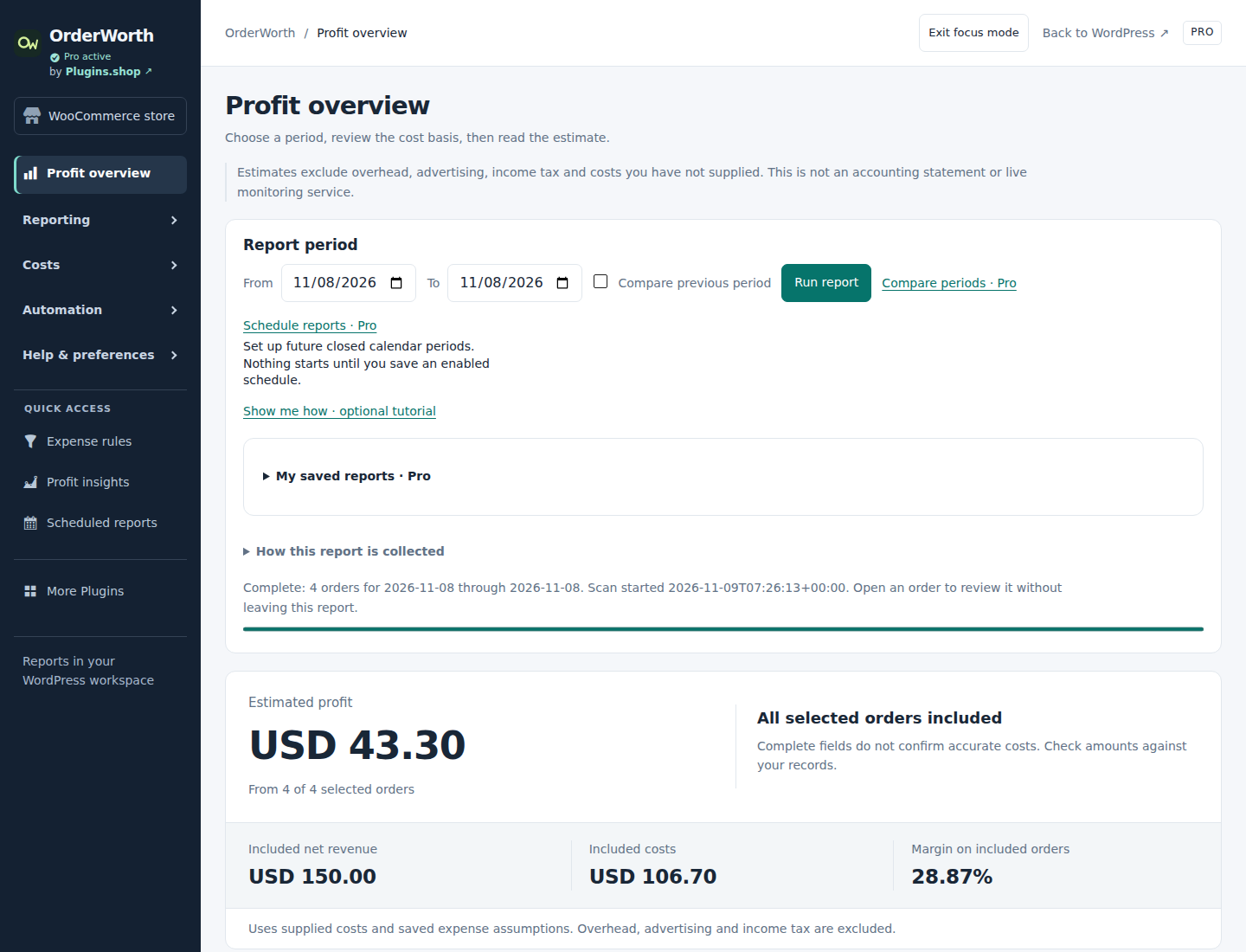
Explore a ready-made WooCommerce store with matching Free and Pro 1.10.23. Change sample costs, run reports and see what each edition can do.
No signup, password or licence key needed.
A FEW THINGS TO TRY
Free shows the essentials. Pro adds rules, comparisons and repeatable reports.
Find the shipping-heavy example and inspect the costs behind its estimate.
Find an exampleSet up a method-specific expense rule. Review the recorded costs of a sample order.
Try expense rulesCompare the sample periods and follow the revenue and cost differences.
Compare periodsROOM TO EXPLORE
You can save settings and run reports using the sample orders. Reset your store whenever you want a fresh start.
How demo privacy worksWe prepare a separate temporary WordPress store and sign you in automatically. A completed sample report is ready to explore. Preparation can take a short while; if all demo slots are busy, the launcher explains when to try again.
Explore the actual Free or Pro plugin, edit sample costs, save settings and run reports. Both editions start with the same fictional orders. Pro also has comparison periods, expense rules and scheduled-report tools. External payments, account signups and provider connections are disabled in the demo.
The demo runs its background report queue. Pro report emails stay in a labelled demo inbox so you can inspect them; nothing is sent to a real recipient. The demo does not verify delivery to your own email service.
Your demo store expires after 30 minutes. Use the demo toolbar to switch editions, reset or end the session. Ending, resetting or expiry removes that temporary store. Please use only the supplied fictional data and do not enter personal information or secrets.
Start with Free, or compare the Pro plans.